

Your front office does far more than answer phones. It is the engine that keeps your independent practice running.
Every reminder text, rescheduled visit, and returned voicemail is patient communication, and each one shapes how patients feel about your practice long before they meet a provider.
Phones ring nonstop. Staff juggle check-ins, insurance questions, and last-minute cancellations, often all at once. When communication slips, the costs add up fast: empty appointment slots, frustrated patients, and a stretched-thin team.
Missed medical appointments are estimated to cost the U.S. healthcare system approximately $150 billion annually. In one medical practice study, annual revenue losses exceeded $170,000, with each missed appointment costing nearly $300 (Journal of Patient Experience, 2026)
Smart workflows can change these outcomes. Strategies like automated appointment reminders and accessible scheduling help you cut no-shows, keep patients coming back, and run a smoother schedule.
This article is the first in our series on EverHealth FrontOffice+ Patient Communication solutions. Throughout the series, we’ll help physicians and practice administrators evaluate how front-office communication shapes the patient experience and drives care access, retention, and practice performance.
You’ll also see how AI-powered tools like EverHealth FrontOffice+ can cut administrative burden by 50%. That kind of relief helps independent practices scale patient volume, eliminate scheduling bottlenecks, and reduce no-show rates without adding headcount.
Key Takeaways
- The quality of pre-visit communication directly affects whether patients return.
- Automated reminders and two-way confirmations reduce no-shows and help fill schedule gaps.
- The right platform integrates with your EHR, automates routine work, and scales as you grow.
- AI-powered tools support your staff, not replace them.

The Front-Office as a Patient Experience Touchpoint
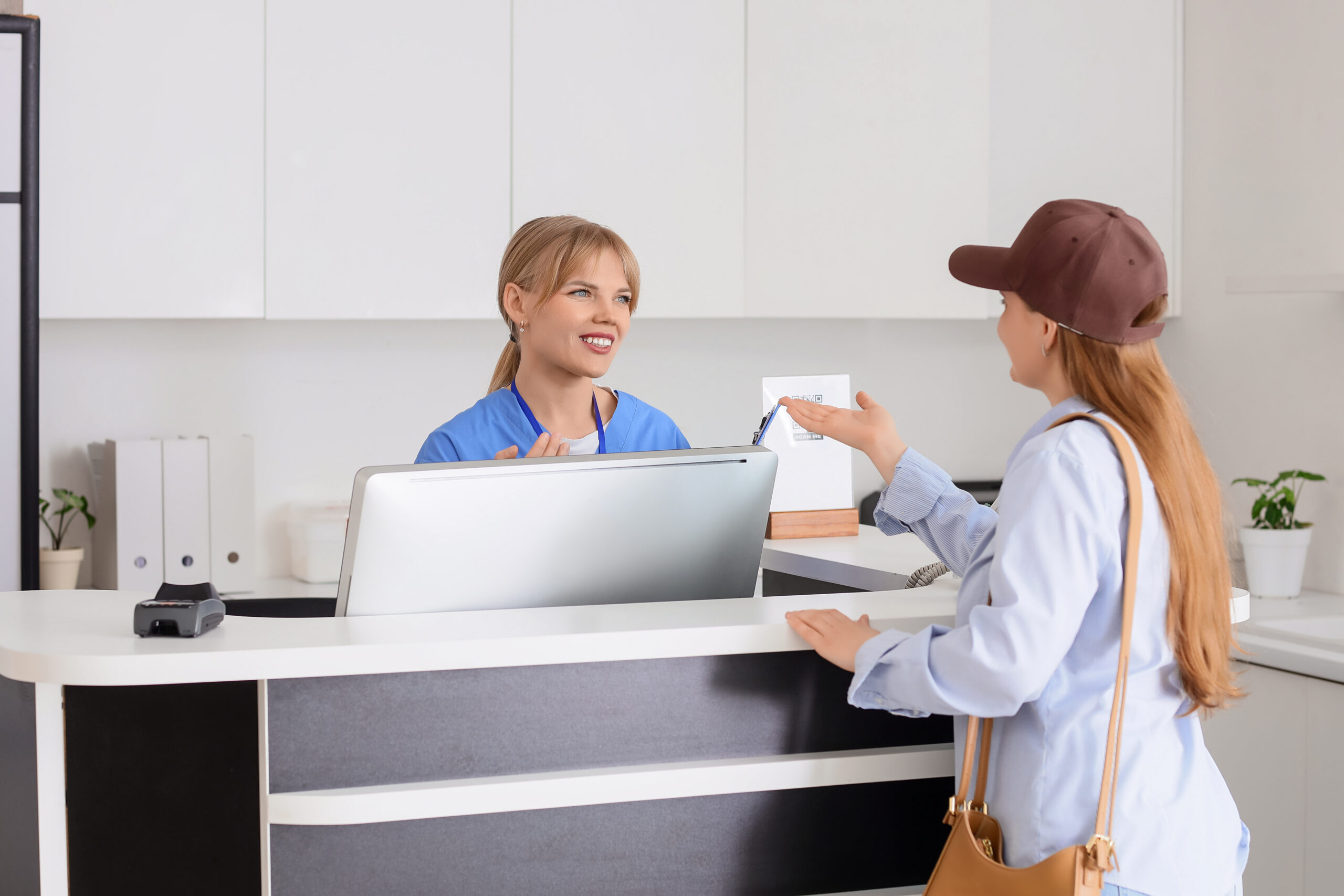
The front office is often a patient’s first interaction with you. It’s also the most frequent one. Patients may see a provider once or twice a year, but they interact with your front office every time they schedule, reschedule, ask a billing question, or request a refill.
That’s why communication quality matters so much. A friendly, fast response sets the expectation that your practice is organized and caring. A missed call or confusing booking process sends the opposite message.
Over time, those small moments build trust or erode it, directly influencing whether patients stay engaged or quietly move on.
Why First Impressions in Patient Communication Drive Retention
Loyalty starts early. The way a new patient experiences scheduling and outreach often predicts whether they’ll become a long-term patient. When the front office is overwhelmed, responsiveness suffers.
Calls go to voicemail. Booking requires multiple back-and-forth exchanges. Patients today expect convenience, and when they don’t get it, many simply book with another practice that makes it easier.
In short, communication quality drives retention. Poor front-office responsiveness leads to patient attrition, showing up as missed visits, lower revenue, and gaps in continuity of care.
According to an MGMA article, it’s six to seven times more expensive to acquire a new patient than to keep a current patient coming back. Up to 80% of future profits come from just 20% of existing customers. And retaining patients can drive big gains: increasing retention by just 5% can boost profits by 25% to 95%.
Patient communication solutions like automated scheduling and proactive outreach help close that gap. They ensure patients get timely, consistent responses, even when your team is busy with people at the front desk.
EverHealth FrontOffice+
For example, tools like EverHealth FrontOffice+ help your independent practice attract, engage, and retain more patients without adding headcount. Embedded natively in DrChrono’s EHR platform, EverHealth FrontOffice+ is an AI-powered front desk and patient engagement solution that automates the full patient journey, from scheduling to engagement to retention.
This technology is designed to support, not replace, staff by cutting administrative burden by 50%. This frees staff from repetitive tasks so they can focus on creating a smooth front-desk experience that keeps patients coming back.
One key retention feature is the Web Scheduler, which helps practices convert online visitors into scheduled patients. Unlike a simple appointment request form, FrontOffice+ integrates scheduling directly into the patient’s digital experience. Benefits include:
- Custom Branding: The scheduler matches your practice’s website and branding, so patients enjoy a consistent experience.
- Google Integration: Patients can schedule directly from your Google Business Profile and Google Maps, right where they’re already searching.
- Information Collection: The scheduler collects insurance, demographic, and payment information up front, reducing paperwork on the day of the visit.
When your scheduling experience looks and feels like your practice, patients notice. A seamless, branded booking process creates a professional, efficient first impression and shows patients your practice values their time from the first click.
Core Components of an Effective Patient Communication Workflow
So what does a functional front-office communication workflow actually include? It helps to have a clear standard you can measure your own operations against. A strong workflow typically covers these core components:
- Scheduling access: Patients can book easily through multiple channels, including online, by phone, and by text.
- Appointment reminders and confirmations: Automated, timely reminders with an easy way for patients to confirm, cancel, or reschedule.
- Digital intake: Insurance, demographic, and payment details collected before the visit.
- Pre-visit outreach: Clear instructions and updates so patients arrive prepared.
- Recall and follow-up: Proactive outreach for annual, recurring, or missed appointments.
As you read through this list, take a moment to consider where your practice stands. Which steps run smoothly? Which ones depend on a staff member remembering to make a call? Those manual gaps are usually where no-shows and lost patients slip through.
A positive patient experience results from multiple factors before, during, and after the patient encounter, but effective doctor-patient communication is chief among them. (Family Practice Medicine Journal).
Appointment Reminders, Confirmations, and No-Show Reduction
No-shows are one of the most frustrating problems for independent practices. An empty slot means lost revenue, wasted provider time, and a patient who may be delaying needed care.
Automated, multi-channel reminders help solve this. When patients receive reminders through the channels they actually use, such as text messages, they’re far more likely to remember and show up. Two-way confirmation workflows take it further. Instead of just receiving a reminder, patients can reply to confirm, cancel, or reschedule on the spot.
Reminder cadence and channel selection also matter. A well-timed sequence, for example, a reminder a few days ahead and another closer to the appointment, gives patients time to plan and a chance to reschedule if something comes up. That turns surprise no-shows into early cancellations you can fill, making your schedule more reliable.
Like every part of EveryHealth FrontOffice+, this technology supports your staff, not replace them. It frees them from repetitive scheduling calls so they can focus on the in-office patient experience. It answers every call and fills every slot, automatically.
✅FrontOffice+ Feature Highlight: Front Desk Automation
FrontOffice+ handles automated confirmations, cancellations, and rescheduling through two-way SMS. It also includes:
- No-Show & Bump Recovery: Automatically reaches out to reschedule missed appointments, so patients don’t fall through the cracks.
- Autofill / Waitlist Management: When a slot opens, FrontOffice+ contacts a similar patient (same appointment type, provider, exam room, and time preference) and offers the slot.
The result is fewer empty appointments and far less time spent chasing patients by phone. Automation handles the repetitive work; your team handles the relationships.
Scheduling Accessibility and Patient Outreach
Patients don’t only think about booking appointments during office hours. Many remember they need a visit late at night, on the weekend, or during a lunch break when your phones are busiest.
Accessible scheduling meets patients where they are. In a modern independent practice, that means:
- Online booking that’s simple, mobile-friendly, and available anytime
- After-hours options for booking, rescheduling, and canceling
- Proactive outreach that reminds patients when it’s time to come back
These options improve the patient experience while boosting schedule fill rates. When booking is easy, patients book more often, and you capture demand that would otherwise go to another practice.
✅FrontOffice+ Feature Highlight: Patient Support & 24/7 Communication
- Around-the-clock scheduling: Patients can book, reschedule, or cancel at any hour. FrontOffice+ captures demand that would otherwise be lost overnight or on weekends when staff isn’t available. It answers inbound calls, books via web and SMS, and automatically handles scheduling changes.
- Automated Patient Recall: FrontOffice+ reminds patients to schedule annual or recurring appointments at configurable intervals, helping you keep them on track with their care.
What to Look for in a Patient Communication Platform
Choosing the right tool can feel overwhelming. Many options promise to make your life easier. To cut through the noise, focus on these four criteria:
- EHR integration: Does the platform connect directly with your EHR? If your staff has to copy information from one system to another, you’re adding work rather than removing it.
- Automation depth: Does it automate entire workflows, such as confirmations, rescheduling, waitlist fills, and recall? Or does it only send basic reminders?
- Channel flexibility: Can patients reach you by phone, text, and web? The more ways patients can engage, the more appointments you’ll capture.
- Scalability: Will the platform scale as you add providers, locations, or patient volume, without requiring more staff?
Here’s the key difference: a true patient communication platform becomes part of your workflow, while a standalone tool sits next to it.
DrChrono by EverHealth, an all-in-one cloud-based EHR, turns patient communication into a competitive advantage by combining technology with empathy to deliver effortless care. The platform’s patient engagement capabilities, including EverHealth FrontOffice+, deliver an effortless patient experience from start to finish.
Every interaction syncs directly into your EHR, so your team can deliver informed care throughout the patient journey.
✅FrontOffice+ Feature Highlight: Phone System Integration
FrontOffice+ integrates directly into your practice’s phone system to answer common patient requests 24 hours a day. Rather than replacing staff, it automates routine conversations so your employees can focus on more complex patient needs.
With seamless DrChrono integration, all patient data, scheduling actions, insurance captures, and conversation transcripts push directly into the EHR with zero re-entry. Your team always has the full picture, and nobody has to retype information.

Final Thoughts
AI-powered tools are not meant to replace your staff. Instead, the technology creates strong front-office communication workflows, gives you the structure to deliver a better patient experience, and eases pressure on your team.
EverHealth FrontOffice+ helps independent practices improve patient communication and support while reducing administrative stress. It’s an AI overlay for your existing front-office workflows, designed to free up precious staff time.
Your team stays at the heart of patient care. FrontOffice+ simply takes the repetitive work off their plates.Patients receive personalized communication that feels human, without requiring a human on the other end of every message.
That means faster responses, fewer missed appointments, and patients who feel cared for at every step.
Contact DrChrono today to learn how EverHealth FrontOffice+ can help your practice scale patient volume, eliminate scheduling bottlenecks, and reduce no-show rates!
Frequently Asked Questions: Patient Communication
How do appointment reminders improve patient experience?
Appointment reminders help patients stay organized and feel supported. A timely text or call reduces the stress of remembering every visit and gives patients an easy way to confirm, cancel, or reschedule. When reminders offer two-way communication, patients can manage their appointments on their own schedule, making the experience more convenient and respectful of their time.
What front-office communication tools do independent practices need?
Most independent practices benefit from a core set of tools:
- Online scheduling that’s branded and available 24/7
- Automated, multi-channel appointment reminders
- Two-way SMS for confirmations and rescheduling
- Waitlist management to fill open slots
- Automated patient recall for recurring visits
- Phone automation for routine requests
Ideally, all of these tools integrate with your EHR so information flows without manual entry.
How does patient communication affect no-show rates?
Clear, consistent patient communication is one of the most effective ways to reduce no-shows. Patients often miss appointments simply because they forget or can’t easily reschedule. Automated reminders keep visits top of mind, while two-way messaging lets patients cancel early instead of not showing up.
How should practices measure the effectiveness of their patient communication?
Start by tracking a few key metrics over time:
- No-show rate: The percentage of appointments patients miss without notice
- Schedule fill rate: How many available slots are booked
- Response time: How quickly patients get answers to calls and messages
- Patient retention: How many patients return for follow-up or annual visits
- Online booking volume: How many appointments come through digital channels, especially after hours
- Patient satisfaction: Feedback from surveys or reviews about the scheduling experience
Compare these numbers before and after you make workflow changes to see what’s working.
Can patient communication workflows be automated without losing a personal touch?
Yes. The right automation actually gives your team more time for personal interactions. Tools like EverHealth FrontOffice+ handle routine tasks, such as reminders, confirmations, and common phone requests, with personalized messages that feel human. That frees your staff to focus on the conversations that truly need a human touch, like welcoming patients in the office or helping with complex questions.